Find files, editable templates and browser test targets by what you need to make or test. The directory below is cut by format; the two collections under it cut the same library by subject and by workflow.
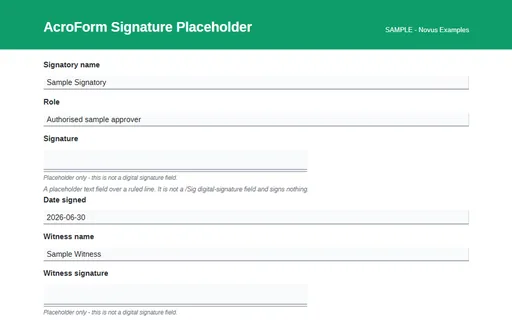
A signature block drawn as a ruled area with named text fields - not a digital signature field. A one-page fillable AcroForm whose canonical field names match the HTML twin, the FDF and the XFDF of the same name, so one form can be tested across four representations.
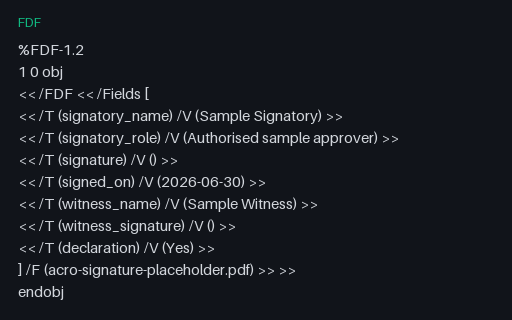
Adobe FDF form data for acro-signature-placeholder.pdf: every canonical field with the value the PDF ships. The XFDF file of the same name carries the identical values, so the pair is a round-trip test of an FDF and XFDF converter.
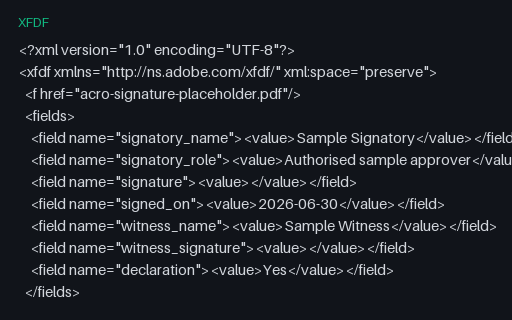
XFDF twin of the acro-signature-placeholder form data - the same field names and values as the FDF, in Adobe's XML representation. Convert one into the other and the result must be byte-comparable field for field.
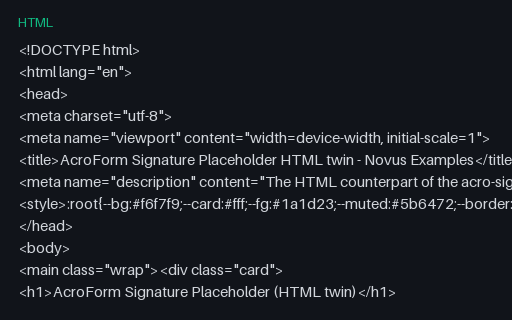
A signature block drawn as a ruled area with named text fields - not a digital signature field. This HTML twin carries the same canonical field names as the AcroForm PDF of the same name, so a filler can be tested against both representations of one form.
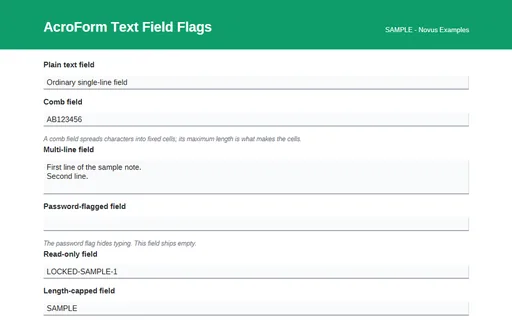
Text fields carrying the comb, multiline, password and read-only AcroForm flags. A one-page fillable AcroForm whose canonical field names match the HTML twin, the FDF and the XFDF of the same name, so one form can be tested across four representations.
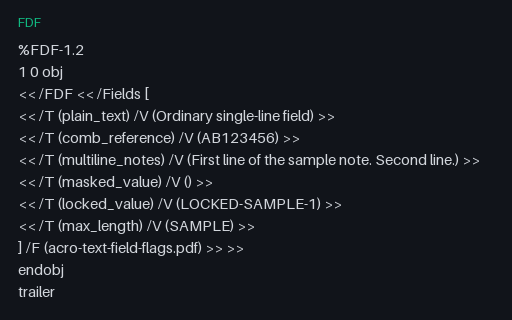
Adobe FDF form data for acro-text-field-flags.pdf: every canonical field with the value the PDF ships. The XFDF file of the same name carries the identical values, so the pair is a round-trip test of an FDF and XFDF converter.
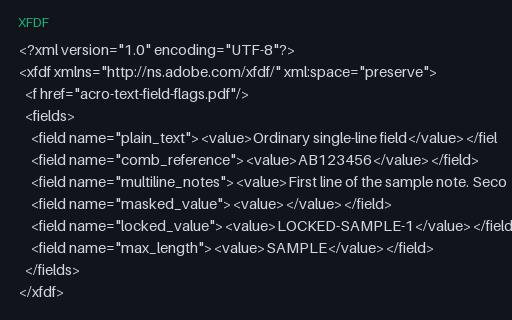
XFDF twin of the acro-text-field-flags form data - the same field names and values as the FDF, in Adobe's XML representation. Convert one into the other and the result must be byte-comparable field for field.
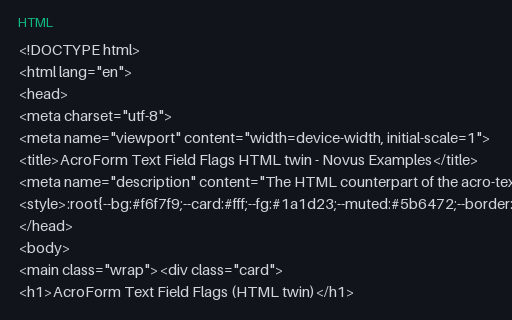
Text fields carrying the comb, multiline, password and read-only AcroForm flags. This HTML twin carries the same canonical field names as the AcroForm PDF of the same name, so a filler can be tested against both representations of one form.
The screen an address verifier shows after standardising an entry: the original and the suggestion side by side as a radio choice, plus editable fields prefilled with the standardised form.
A booking form that separates the date from the slot, so a scheduler has to read a bounded date control and a radio list of times rather than a single free-text field. Includes an accessibility need and a reminder channel.
The autofill token vocabulary grouped by purpose, with the section, address-type and contact-type prefixes and the rules for ordering them. A companion to the five autocomplete forms in this wave.
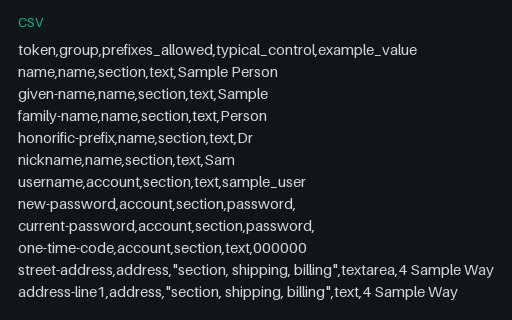
The autofill tokens as a flat table with their group, the prefixes each accepts, the control type they usually sit on and a sample value. Useful for driving a data-driven autofill test.
The billing-prefixed twin of the shipping address form, deliberately using the same visible wording so an autofill engine has to distinguish the two sections by their token prefix rather than by label text.
The contact channel tokens - the five telephone parts, email, impp, url and photo - plus the one-time-code token that lets a browser or password manager offer a verification code. Includes the webauthn hint on the code control.
The identity half of the autofill vocabulary: honorific prefix and suffix, given, additional and family name, nickname, organisation, job title, birthday parts, sex and language. Each token appears once, on the control type the specification names for it.
The payment autofill tokens - cc-name, cc-given-name, cc-family-name, cc-number, cc-exp and its parts, cc-csc and cc-type - on a form that has no action, no script and no prefilled values. It exists to exercise token recognition, never to take a payment.
A complete shipping address using the shipping-prefixed autofill tokens, including the street-address textarea and the three address-line controls that many autofill engines treat differently from one another.
A single page whose visible questions depend on the request type chosen. Three mutually exclusive blocks are present in the markup at all times, so the same file exercises both an automation that reads the DOM and one that only sees what is on screen.
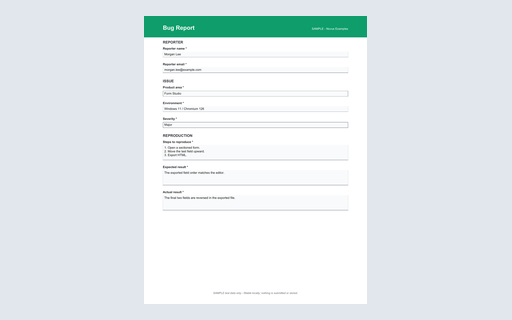
A one-page fillable PDF twin of the bug report HTML form. Its canonical AcroForm field tree, widgets, values, and appearance streams are generator-validated.
A structured software bug report for testing issue intake, triage imports, severity mapping, and reproducible expected-versus-actual defect records. This standalone HTML reference works offline, uses explicit labels and native validation, and submits nowhere.