Skip to content
Testaroo

Images

Images are the most-tested files of all, yet generic sample sites hand you a photo with no documented properties. Here, every image records exactly what it is. Denoise, restoration, inpaint, deblur, upscale, colourization, watermark, outpaint, style-transfer, and enhance suites pair degraded inputs with clean references. Segmentation masks, visual-diff twins, EXIF/ICC ladders, multipage sprites, chart-vision, codec ladders, OCR hardcases, and soft-edge matting extend the set for modern vision QA. Clean ↔ noisy and colour ↔ greyscale pairs make before/after testing trivial.

Filter images on Browse · 2343 files · 41 subcategories

Results start with a representative from each related test family. Use a card’s variant menu or the filters below to reach a specific format, profile, or failure case; every sample retains its own detail page and download.

Use the media style and subject filters below to find realistic examples, or open realism, grouped by subject.

Frequently asked questions

What makes these image fixtures different from random stock photos?

Every image ships with documented specs (dimensions, seeds, damage type, pair/group IDs). Denoise, restoration, colourization, watermark, and enhance suites include clean ground-truth twins so you can score tools with PSNR/SSIM instead of guessing.

Do you include real faces or brand watermarks?

No. Face-restore fixtures use synthetic illustrations, and watermark suites use SAMPLE logos/text only. Corrupt samples are labelled intentionally corrupt.

How do I find before/after pairs?

Open any suite member and use the Pair / Group links on the file page, or filter Browse by purpose (for example colourization-testing or watermark-removal-testing).

What vision / QA suites landed in the latest expansion?

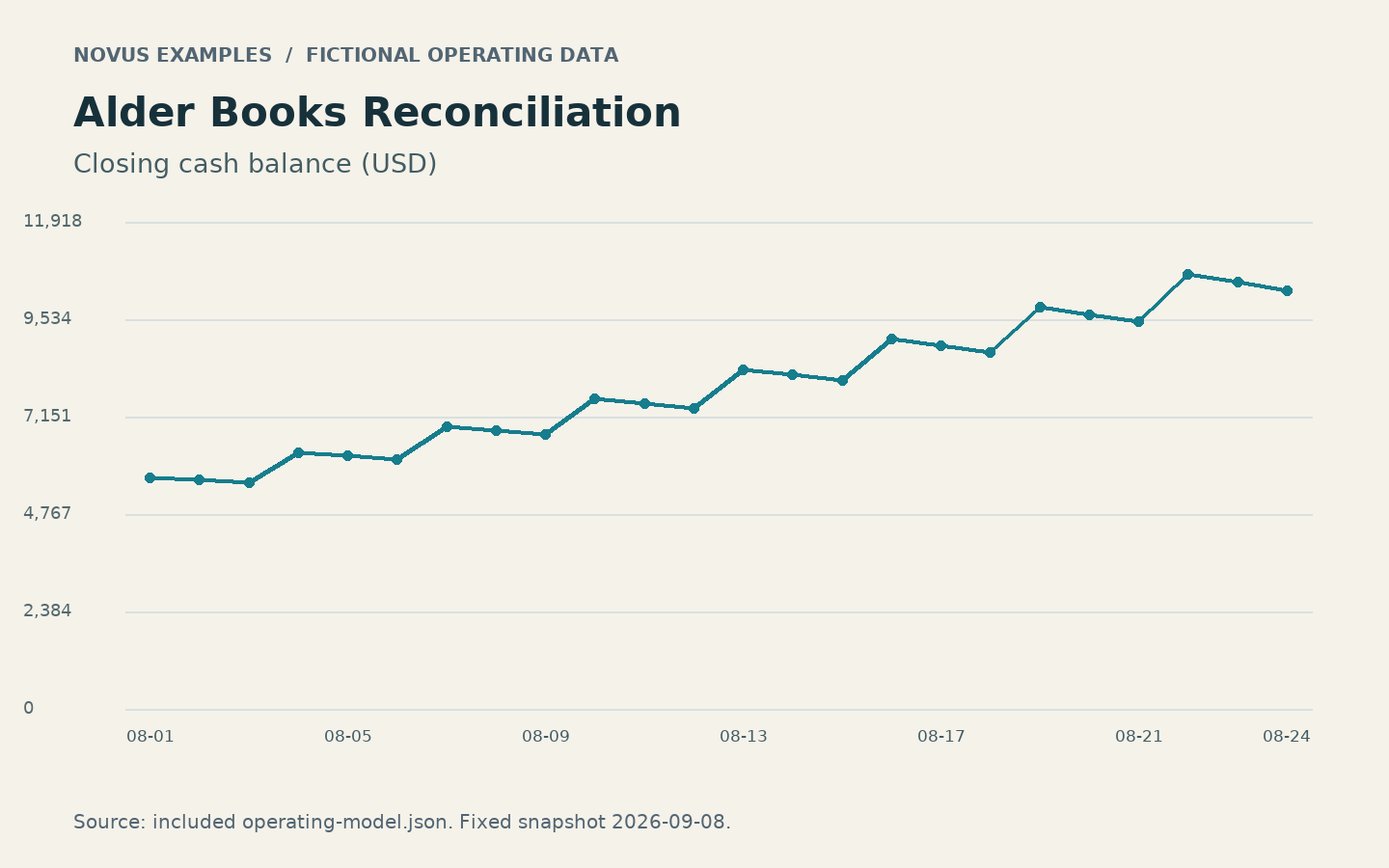
Wave E adds segmentation scene/mask/JSON triples, A/B diff-regression twins, EXIF Orientation + ICC colour notes, multipage TIFF / sprite / favicon packs, chart-as-image mocks, codec quality ladders, hard OCR cases, and soft-alpha matting hardcases.

Start with one example from each use-case group, then continue through its other test families. Choose a use case, search, or filter to find a specific profile; a card’s variant menu contains its related samples.

Filter these files
More filters and sorting
More file filters

Results

927 test families · 2343 available files · Page 1 of 52

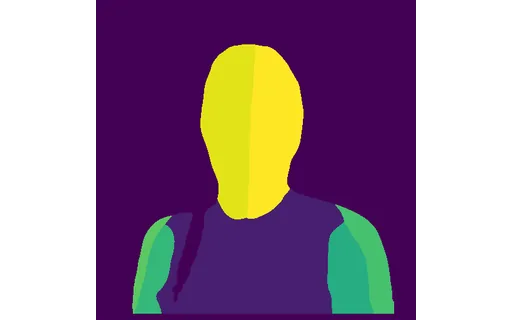
Preview of A av f3: dense pose map

Ai Segmentation · Synthetic realistic media

A av f3: dense pose map

A dense pose map for the published plate a-av-f3.png, 512x512. DensePose body-part segmentation, which labels regions of every person it finds rather than returning a skeleton, so background figures are labelled as well

File
PNG · Ai Segmentation · 512 × 512 px

Derived from an AI-generated plate. Synthetic, not a photograph of a real scene.

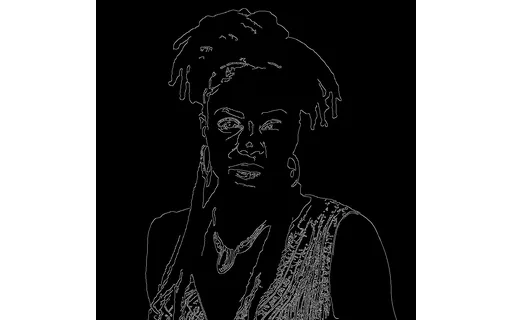
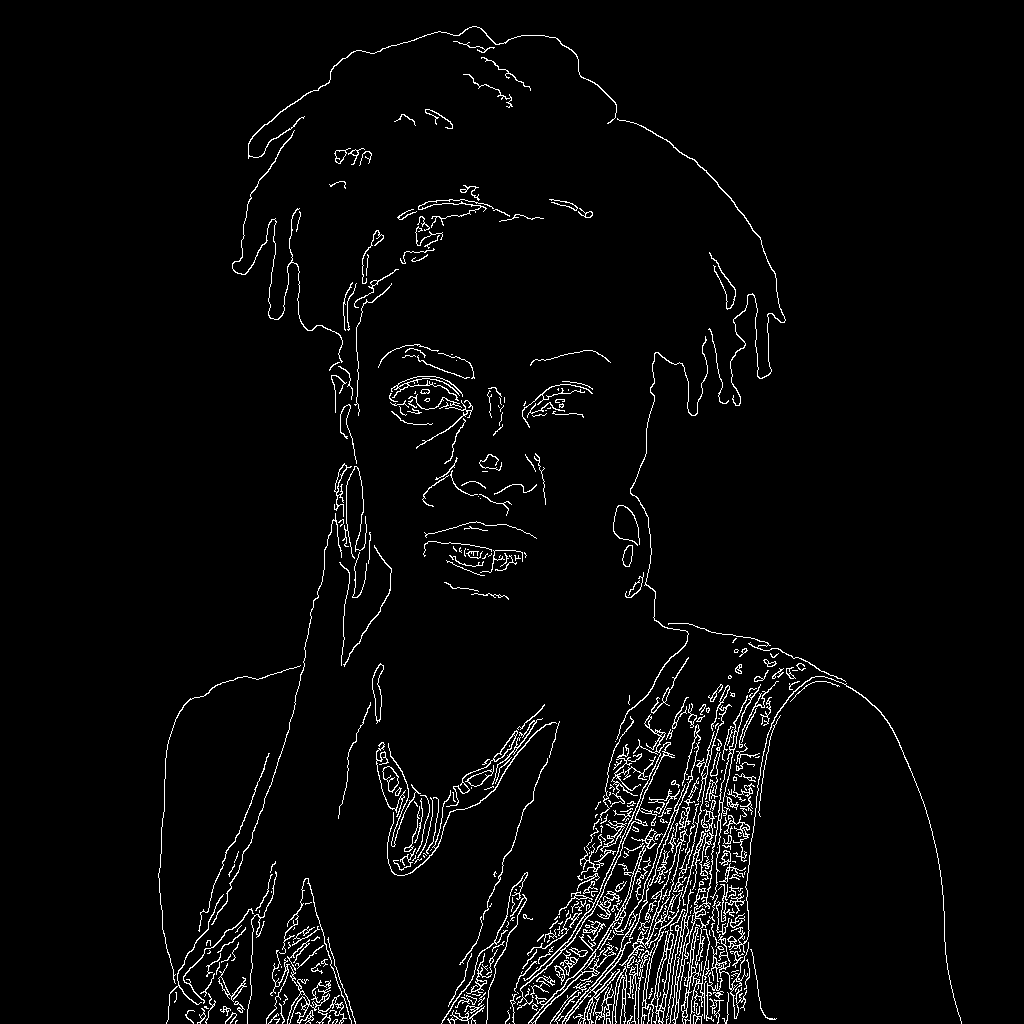
Preview of A av f3: canny edge map

Ai Vision · Synthetic realistic media

A av f3: canny edge map

A canny edge map for the published plate a-av-f3.png, 1024x1024. Canny edge detection at low threshold 0.1 and high 0.3, run at the plate's own resolution so the edges land on the same pixels as the photograph they came

File
PNG · Ai Vision · 1024 × 1024 px

Derived from an AI-generated plate. Synthetic, not a photograph of a real scene.

Preview of Identicon Avatar: Ada Lovelace

Avatar

Identicon Avatar: Ada Lovelace

A 256×256 identicon-style avatar generated deterministically from the seed “ada-lovelace”: a symmetric 5×5 block pattern like the default avatars on many sites. For testing avatar rendering, placeholder generation, and i

File
PNG · Avatar
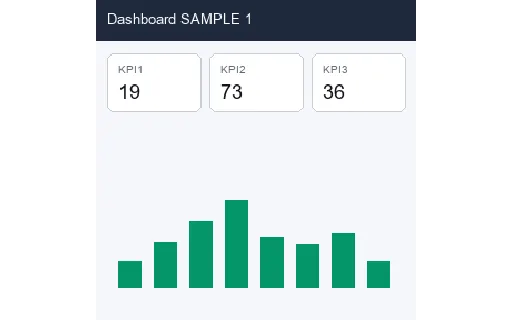
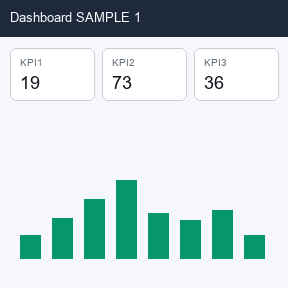
Preview of Dashboard Mock 01 (288px)

Chart Vision

Dashboard Mock 01 (288px)

Synthetic dashboard mock (KPI cards + bar chart): SAMPLE UI for layout / chart vision models. Not a real product.

File
PNG · Chart Vision · 288 × 288 px
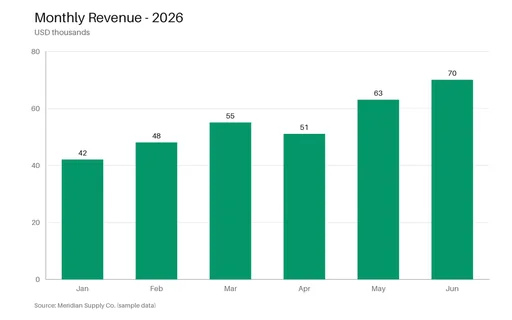
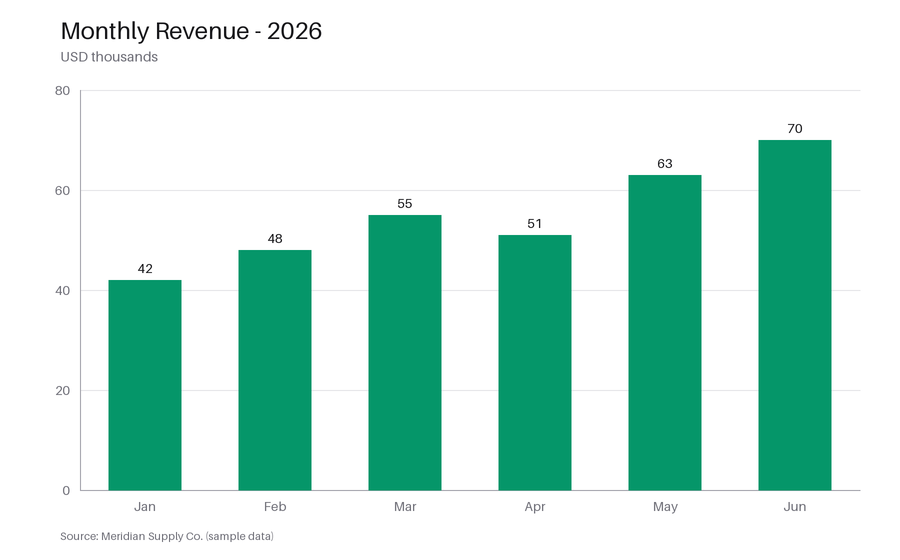
Preview of Bar Chart (PNG)

Charts

Bar Chart (PNG)

A clean bar chart of monthly revenue with axis labels, gridlines, and value labels: a real-world fixture for testing chart-extraction and OCR tools, vision models, and thumbnail rendering.

File
PNG · Charts
Preview of Codec Ladder: Blocks PNG (288px)

Codec Ladder

Codec Ladder: Blocks PNG (288px)

Same blocks scene encoded as png: rung on the Wave E codec ladder for quality / convert comparisons.

File
PNG · Codec Ladder · 288 × 288 px
Preview of Colourization Input: Fruit Greyscale (512px)

Colourize Set

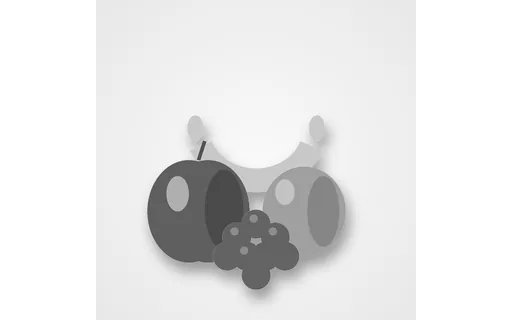
Colourization Input: Fruit Greyscale (512px)

Greyscale input for colourizing the fruit scene. Pair with the colour ground truth in this group.

File
PNG · Colourize Set · 512 × 512 px
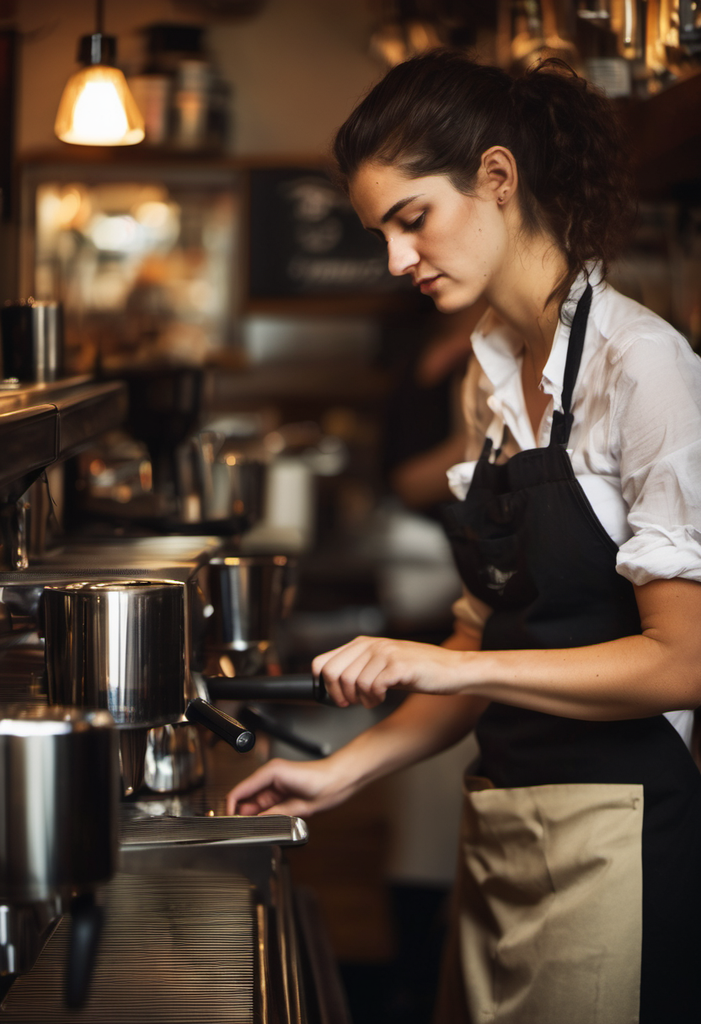
Preview of A barista in her twenties (lossless PNG)

Comfy Realism · Synthetic realistic media

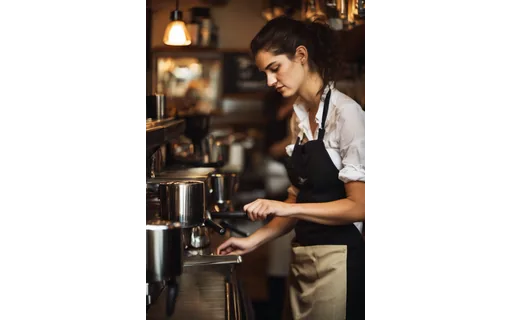
A barista in her twenties (lossless PNG)

A synthetic photographic plate of an independent business owner, 701x1024, lossless PNG. This is the reference every lossy variant in this group is derived from Plate owner-cafe.

File
PNG · Comfy Realism · 701 × 1024 px

AI-generated / synthetic. Not a photograph of a real person, place or event.

Preview of Conditioning Ground Truth: Apple (512px)

Conditioning Maps

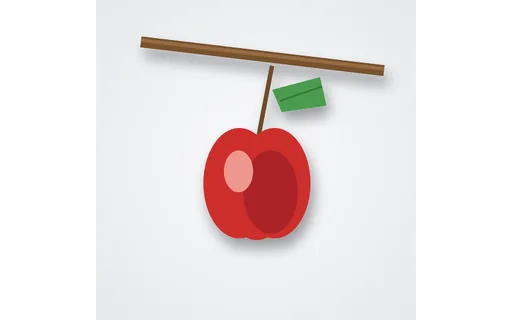
Conditioning Ground Truth: Apple (512px)

Colour ground-truth for the apple conditioning suite. Every map in this group is derived from this exact image, so a guided model's output can be scored against it.

File
PNG · Conditioning Maps · 512 × 512 px
Preview of Deblur Base A: Clean (512px)

Deblur Set

Deblur Base A: Clean (512px)

Clean reference for deblur base A. Compare deblurred outputs of the blurred variants in this group against this file.

File
PNG · Deblur Set · 512 × 512 px
Preview of Denoise Base A: Clean Reference (512px)

Denoise Set

Denoise Base A: Clean Reference (512px)

The clean reference image for denoise base A: a fruit still life on studio white. Diff the noisy variants in this set against this file to measure filter accuracy.

File
PNG · Denoise Set · 512 × 512 px
Preview of Diff Regression A: 1Px Crop (288px)

Diff Regression

Diff Regression A: 1Px Crop (288px)

Baseline twin A for visual-diff regression (pixel change suite: 1px-crop). Compare against twin B.

File
PNG · Diff Regression · 288 × 288 px
Preview of EXIF Orientation: Flip H (tag 2)

EXIF Icc

EXIF Orientation: Flip H (tag 2)

JPEG with EXIF Orientation=2 (flip-h). Pixels are upright: viewers/tools should apply the tagged transform. SAMPLE fixture.

File
JPG · EXIF Icc · 288 × 288 px

The use-case group filter replaces the long list of category sections.