Find files, editable templates and browser test targets by what you need to make or test. The directory below is cut by format; the two collections under it cut the same library by subject and by workflow.
Every control carries both a name and a description, wired with aria-describedby to the hint that explains its rule. Use it to check that a scanner reports the description as well as the name, and does not merge the two.
No label element appears anywhere. Each control points at a span through aria-labelledby, including one control whose name is assembled from two references, which is the case that catches naive accessible-name implementations.
The reference labelling technique: each control carries an id and is named by a separate label element pointing at it. Use it as the known-good baseline when comparing accessible-name computation across the other labelling fixtures in this set.
A deliberate anti-pattern. No control has a label element, an aria-label or an aria-labelledby, so every accessible name has to be guessed from the placeholder or the name attribute. Ship it as a failing case for an accessibility scanner, never as a template to copy.
Every control has a real label element that is clipped out of view, while the visible wording lives in a placeholder. A visual scraper and an accessibility tree walker see different text for the same control, which is the point of the file.
Implicit labelling: each control is a child of the label that names it and no for attribute is present. Parsers that resolve names only through for and id will report six unnamed controls on this file.
Sixty named controls across ten titled sections. Large enough to expose pagination, truncation and quadratic behaviour in form extractors, and regular enough that a failure is easy to localise.
Textual controls carrying explicit minlength and maxlength bounds - including the exact-length and maximum-only cases, and a textarea whose counter hint and attribute must agree - for testing length validation and truncation behaviour.
A five-by-five Likert matrix: five statements, each a radio group over the same five points. Twenty-five radio controls that resolve to five fields is the densest grouping case in the catalog.
A downloadable login form: email and password with a remember-me toggle and native HTML5 validation, for testing autofill and credential-manager behaviour.
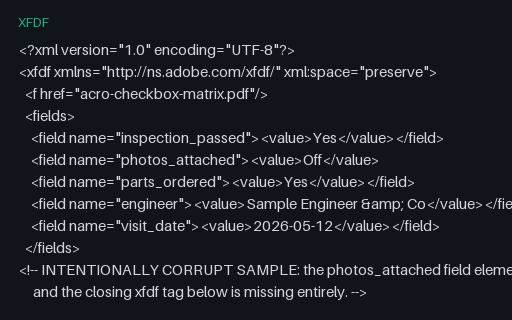
Intentionally corrupt. An XFDF document with an unclosed field element and no closing root tag, so a strict parser must reject it and a lenient one must say what it recovered. Small on purpose - the damage is structural, not volume.
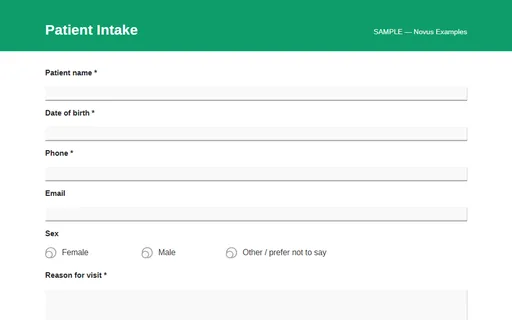
A fillable PDF patient-intake AcroForm: demographics, sex radios, reason-for-visit, allergies, medications, and a consent checkbox. A sample layout only. Never enter real medical data.
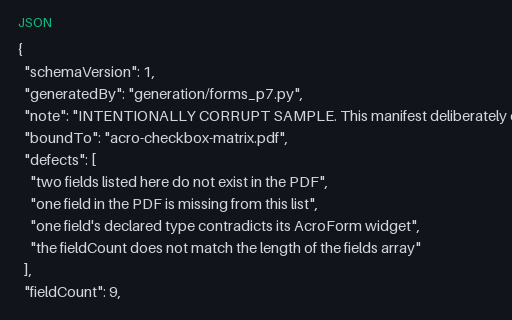
Intentionally corrupt. A field manifest that claims to describe acro-checkbox-matrix.pdf but names two fields the PDF does not have, omits one it does, contradicts one field's type and states a count that does not match its own array.
Intentionally corrupt. A select has two options with the same value under different labels, a radio group repeats a value, and one option's value contradicts its wording outright. A form that reads labels and a form that reads values disagree about what was chosen.
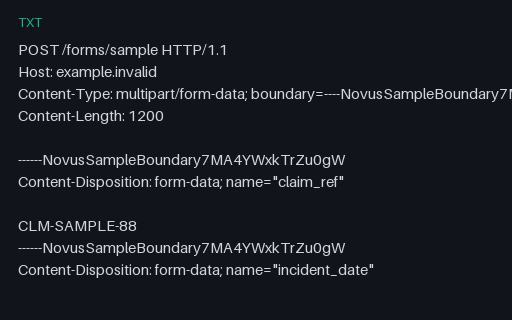
A complete multipart request dump for the multipart upload form: two file parts with placeholder payloads, a filename containing a space and parentheses, a repeated field name and the empty honeypot.
A counterpart to the rest of the catalog's forms: it omits novalidate, so the browser's own constraint UI blocks submission and shows the bubble. Use it to tell native enforcement apart from script-driven validation in the same harness.