Find files, editable templates and browser test targets by what you need to make or test. The directory below is cut by format; the two collections under it cut the same library by subject and by workflow.
Halved frame rate where each output frame is the AVERAGE of the two it replaces, rather than one of them: what a long shutter angle actually produces. Substantially harder than clean decimation, because the interpolator must undo motion blur as well as invent the missing instants, and no input frame matches any ground-truth frame exactly.
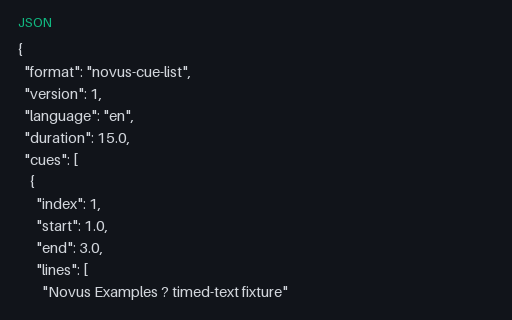
The same five cues as a plain JSON array with float second timings: the shape most caption pipelines use internally between parsing one format and writing another. Handy as the expected intermediate when testing a converter, since it removes timestamp-formatting differences from the comparison.
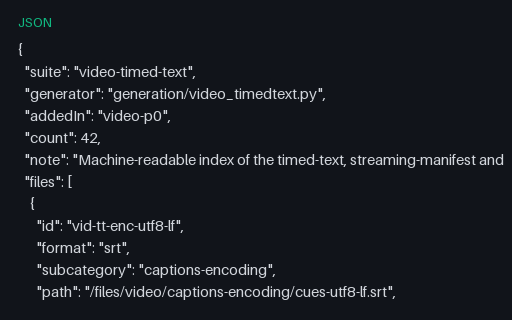
A machine-readable index of all 67 timed-text, streaming-manifest and ad-signalling fixtures in this wave, with id, format, path and byte size for each. Useful as a work-list when running a parser across the whole suite, and as a manifest to diff against after regenerating.
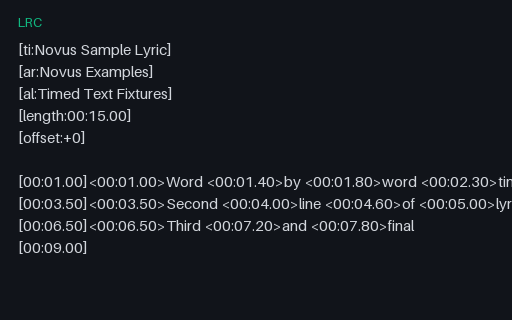
Enhanced LRC with per-word timings in angle brackets alongside the usual per-line timestamps: the format karaoke and lyric-sync apps consume. Includes the standard metadata tags, an offset field, and a final empty timestamp that clears the display. Simple LRC parsers read only the line timings and silently render the word markers as visible text.
A 2.0 second 640x480 H.264 clip at 24 fps, 49 frames. Animated from the still nss-p-market-sen_00001_.png, so the first frame is a known image and frame extraction can be checked against it. Measured mean inter-frame change 0.0563 (active). Substantial frame-to-frame change, the end of the range where naive scene detection starts firing. Synthetic footage: two seconds at this size is a decoder and pipeline fixture rather than showcase material, hands degrade in later frames, and no text in shot is legible.
A 24 second 512x288 H.264 film at 24 fps, 576 frames, written with the moov atom first so it can be seeked before it has finished downloading. Twelve generated segments crossfaded into one continuous take. Across 575 transitions the mean inter-frame change is 0.0217 and the strongest single transition is 0.2597, with 0 above 0.3. A deliberate hard cut between two unrelated films measures 0.311 by the same method, so the worst join here sits 0.0513 below a real cut. At eleven times the length of any other clip in this library, it is the only footage here long enough to seek through, chapter, or scrub. Stylised rather than photographic: this is the 1.3B model at 512x288, the subject drifts over 24 seconds, and a dark rendering artefact recurs in a few frames. It is a fixture for duration, seeking and stitch measurement, not showcase footage.
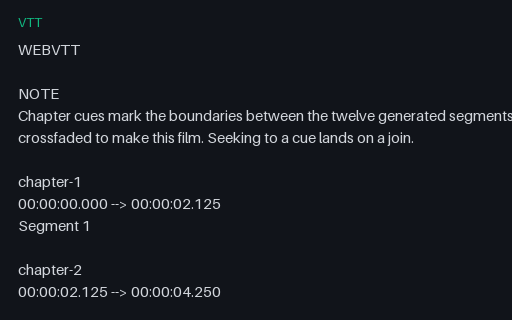
A WebVTT chapter track for the 24 second film in this group, with 12 cues at 2.125 second intervals. The cues are not decoration: each one marks a boundary between two of the twelve generated segments, verified against the measured transitions, so seeking to a cue lands on a join. Chapter tracks over two-second clips have nowhere to seek to; this is the first in this library with somewhere to go.
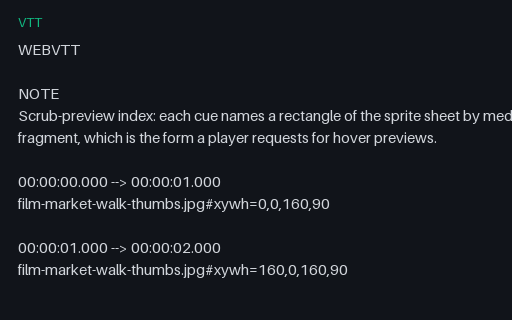
The WebVTT index for the sprite sheet in this group: 24 cues, one per second, each naming a rectangle of the sheet with an xywh media fragment. The sheet and this index are each useless alone, which is why they are paired.
The exact per-frame alpha used to composite every clip in this group, as an 8-bit greyscale clip: white is opaque subject, black is background, and edges carry genuine intermediate values because the matte is anti-aliased rather than binary. This is what makes matting output measurable. Compare a predicted alpha against this frame by frame instead of inspecting a composite and forming an opinion.
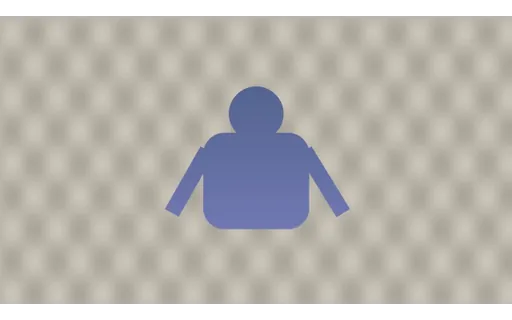
The same subject and the same alpha, composited over busy patterned: no chroma screen, which is the case a general background-removal model actually has to handle. Score the predicted alpha against the ground-truth matte in this group.
The canonical keying setup: the subject over a chroma-green field carrying a deliberate vertical lighting falloff, because a perfectly flat key is unrealistically easy. Pull a key, then score the resulting alpha against the ground-truth matte in this group.
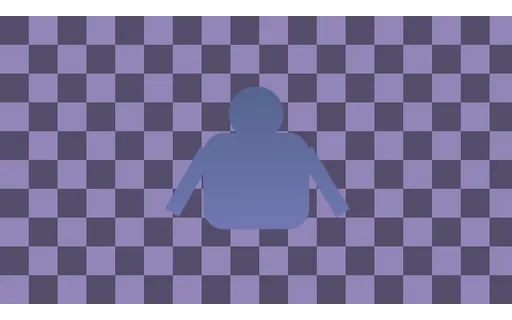
The same subject and the same alpha, composited over colour close to subject: no chroma screen, which is the case a general background-removal model actually has to handle. The background colour deliberately sits close to the subject's own, so colour alone cannot separate them and the model must use shape and motion. Score the predicted alpha against the ground-truth matte in this group.
The same subject and the same alpha, composited over dark studio: no chroma screen, which is the case a general background-removal model actually has to handle. Score the predicted alpha against the ground-truth matte in this group.
The same subject and the same alpha, composited over office interior: no chroma screen, which is the case a general background-removal model actually has to handle. Score the predicted alpha against the ground-truth matte in this group.
The same subject and the same alpha, composited over outdoor daylight: no chroma screen, which is the case a general background-removal model actually has to handle. Score the predicted alpha against the ground-truth matte in this group.
A 2.0 second 640x480 H.264 clip at 24 fps, 49 frames. Animated from the still nss-l-mountain_00001_.png, so the first frame is a known image and frame extraction can be checked against it. Measured mean inter-frame change 0.0070 (subtle). Motion is deliberate but slight, closer to a living photograph than to action. Synthetic footage: two seconds at this size is a decoder and pipeline fixture rather than showcase material, hands degrade in later frames, and no text in shot is legible.
The input a super-resolution tool is given: the published clip /files/video/comfy-realism-v1/mountain.mp4 reduced from 640x480 to 160x120 by an exact 4x area downscale, over all 49 frames at 24.0 fps. Because the reduction is an exact integer factor of a clip that is already in this catalogue, anything a tool produces from this file can be MEASURED against the original rather than judged by eye. For reference, a plain bicubic enlargement back to 640x480 scores 34.359 dB PSNR and 0.915 SSIM against that original - the number any model has to beat to be worth running.
The 160x120 input in this group restored to 640x480 by Real-ESRGAN x4plus (BSD-3-Clause), frame for frame with all 49 frames intact, so it compares directly against the published ground truth /files/video/comfy-realism-v1/mountain.mp4. Measured with ffmpeg's own filters it scores 32.503 dB PSNR and 0.92 SSIM; the same degraded input enlarged by plain bicubic scores 34.359 dB and 0.915, so the two metrics DISAGREE: -1.86 dB of PSNR against it, +0.0050 of SSIM for it. That is the signature of a perceptual upscaler - it invents texture, which restores structure while moving individual pixels further from the original, and it is why a super-resolution result reported as one number is not reportable. Both figures are measurements against the same original, which is what makes them comparable at all.
The clip in a Matroska (MKV) container with H.264 video: the flexible open container used for rich multi-track media. For testing MKV demuxing and remux/conversion.
The clip in a QuickTime (MOV) container with H.264 video: Apple's container, common from cameras and editors. For testing MOV parsing and MOV→MP4 conversion.
The moov index is relocated to the front of the file, so a player can begin playback after the first few kilobytes. Required for progressive download to work at all. Byte-for-byte the same encode as its twin in this group; only the atom order differs, which is why comparing the two is the clean way to demonstrate the effect.
Fragmented MP4: an empty moov followed by independent moof/mdat fragment pairs, rather than one monolithic index. This is what CMAF streaming actually delivers, and what makes a segment playable without the rest of the file. Parsers written against progressive MP4 frequently fail here, because there is no sample table to read up front.