Find files, editable templates and browser test targets by what you need to make or test. The directory below is cut by format; the two collections under it cut the same library by subject and by workflow.
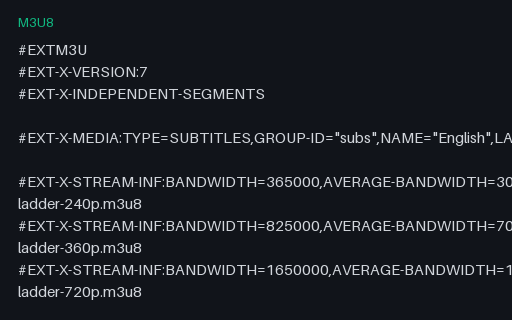
An HLS master playlist declaring a three-rung bitrate ladder plus a subtitle rendition group, with the CODECS, RESOLUTION and FRAME-RATE attributes a player needs to choose a rung before fetching anything. Served inline with permissive CORS from /files/stream/, so a player on another origin can load it directly. This is a manifest-parsing fixture: it describes the ladder rather than shipping its segments.
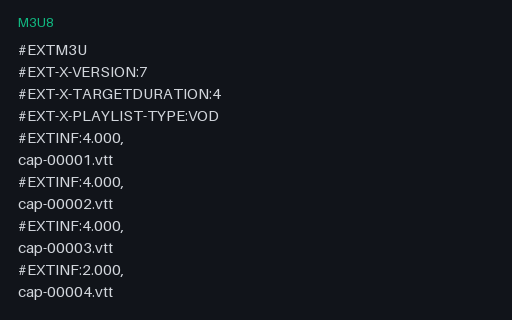
The subtitle rendition the master playlist references through EXT-X-MEDIA. Captions in HLS are segmented like media: each segment is a small WebVTT file covering its own time window, carrying X-TIMESTAMP-MAP to align with the MPEG-TS clock. Completes the master playlist's declared rendition group so a player can resolve the whole tree.
An intentionally corrupt fixture of a different kind: the bytes are a perfectly valid Matroska file, and the extension says `.mp4`. Nothing is damaged: the file simply lies about what it is. Not a valid MP4 by design.
This is what a user's 'converted' file usually turns out to be after a rename, and it separates two kinds of code cleanly. Anything that sniffs the first four bytes finds `1A 45 DF A3`, identifies EBML and plays it. Anything that dispatches on the extension hands it to an MP4 demuxer that immediately fails to find `ftyp`. Note the catalog records this entry's MIME as video/mp4, matching the extension rather than the content, deliberately, because that is precisely the mismatch being reproduced.
An intentionally corrupt Matroska file cut to 60% of its length, part way through a cluster. Not a valid file by design.
Matroska degrades very differently from MP4, which is the reason to have both. Its header is at the front and its clusters are independently framed, so a truncated MKV usually plays right up to the cut and then simply ends: no index to contradict, because the Cues element that would have carried it was at the end and is gone. Duration is reported as unknown or estimated, and seeking past the cut behaves differently in every player.
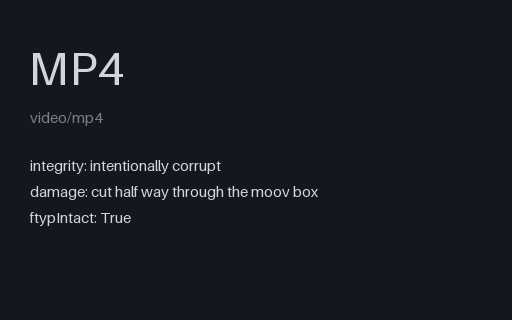
An intentionally corrupt MP4 cut off half way through its `moov` box: the `ftyp` header survives, the index does not, and there is no media data at all. Not a valid file by design.
Just enough for content sniffing to succeed and everything after that to fail. A `file`-style magic check reports ISO Media, a MIME sniffer says video/mp4, and then the box walk runs off the end of the buffer part way through the index. Useful for testing the gap between format detection and format validation, and for the upload path, where the two are frequently the same check.
Distinct from the two other truncations in this group: the mid-mdat file has a complete index and missing media, this one has a broken index and no media, and a length-based cut deep enough to matter is the only way to tell those code paths apart.
An intentionally corrupt MP4, cut off at 55% of its length in the middle of the `mdat` box: the shape of an interrupted download or a copy from a failing disk. Not a valid file by design.
The interesting property is that it opens perfectly. Because the file was written with faststart the `moov` index sits before the media data, so a probe reads a complete track list and a duration within a tenth of a second of the original, and only decoding reveals that most of the samples the index points to are not there. Tools that validate by probing pass it; tools that validate by decoding do not. The seek bar will happily let you scrub past the end of the data that exists.
An intentionally corrupt MP4 in which 48 individual bytes inside the `mdat` payload have been inverted, leaving every box header, the index and the file length exactly as they were. Not a valid file by design.
Structurally this file is perfect (it will pass any container-level validation you throw at it), and the damage is entirely in the compressed bitstream. Expect the decoder to log errors and the picture to break up and then recover at the next keyframe, which is what makes it the right fixture for testing that a transcode pipeline actually surfaces decoder errors rather than shipping a corrupted output and reporting success. The corruption sites are fixed, so the file is reproducible byte for byte.
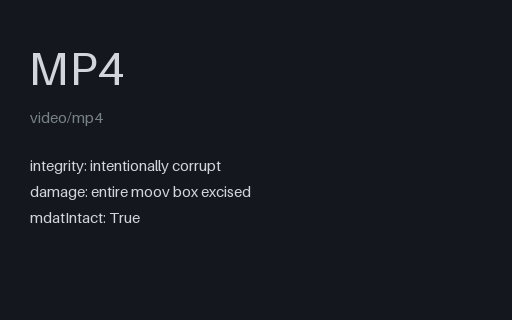
An intentionally corrupt MP4 with the entire `moov` box cut out and the surrounding bytes rejoined. The `ftyp` header and all of the compressed media in `mdat` are untouched. Not a valid file by design.
This is the classic 'moov atom not found' failure, and in practice the most common way an MP4 dies: the index is written last, so any recording that stops without a clean finalise (a crashed encoder, a phone that ran out of battery mid-capture) ends up exactly like this. The media is all still there, which is why recovery tools can sometimes rebuild it, and this is the file to test one against. Contrast with the truncated file in this group, which has an index and no data.
An intentionally corrupt WebM, VP9 in Matroska, cut to 45% of its bytes. Not a valid file by design.
The browser-facing member of this group. A truncated WebM starts playing in an HTML5 <video> element and then fires an `error` event mid-stream, which is a genuinely awkward state to handle: your player has already reported success, already hidden the spinner, and already told the user the duration. Use it to check that the error path is wired to something more useful than a frozen frame.
An intentionally corrupt MP4 containing nothing at all: zero bytes, with a `.mp4` extension. Not a valid file by design.
The degenerate case, and one that reaches production more often than any other: a failed upload, a `touch`ed placeholder, a copy that never started. It is worth having because so much code divides by duration, reads the first N bytes without checking N, or reports 'unsupported format' for a file that has no format to support. Note that content sniffing cannot help here (there are no magic bytes), so anything that must classify this file has only the extension to go on.
The full-rate 24 fps reference for the depth-layers interpolation set. The decimated clips in this group drop frames from exactly this sequence, so every frame an interpolator is asked to synthesise has a true original to be scored against, which is the only way to tell invention from reconstruction.
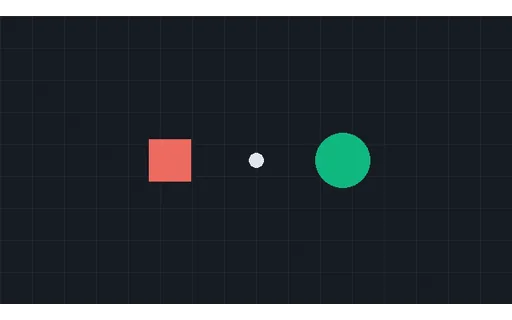
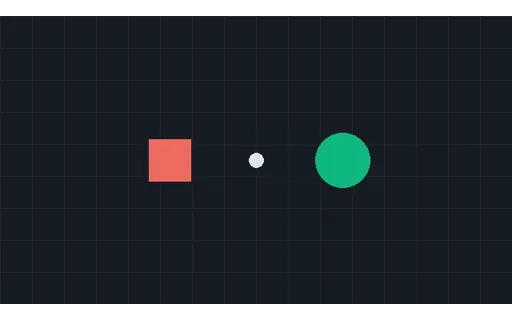
The full-rate 24 fps reference for the orbit-solid interpolation set. The decimated clips in this group drop frames from exactly this sequence, so every frame an interpolator is asked to synthesise has a true original to be scored against, which is the only way to tell invention from reconstruction.
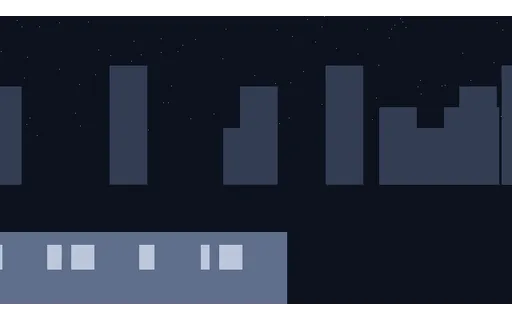
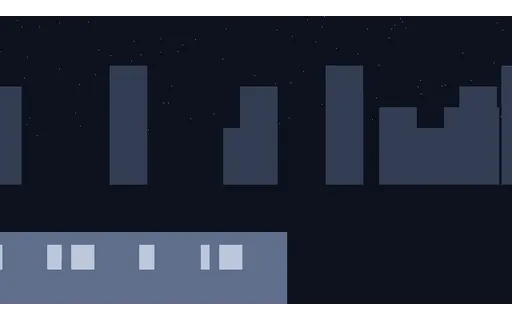
The full-rate 24 fps reference for the pan-city interpolation set. The decimated clips in this group drop frames from exactly this sequence, so every frame an interpolator is asked to synthesise has a true original to be scored against, which is the only way to tell invention from reconstruction.
The depth-layers plate decimated to 12 fps by keeping every 2th frame, so 24 of the original 48 frames are missing. Interpolate back to 24 fps and each synthesised frame has an exact counterpart in the ground truth. Larger gaps need genuine motion understanding rather than blending.
The depth-layers plate decimated to 6 fps by keeping every 4th frame, so 36 of the original 48 frames are missing. Interpolate back to 24 fps and each synthesised frame has an exact counterpart in the ground truth. Larger gaps need genuine motion understanding rather than blending.
The depth-layers plate decimated to 8 fps by keeping every 3th frame, so 32 of the original 48 frames are missing. Interpolate back to 24 fps and each synthesised frame has an exact counterpart in the ground truth. Larger gaps need genuine motion understanding rather than blending.
Halved frame rate where each output frame is the AVERAGE of the two it replaces, rather than one of them: what a long shutter angle actually produces. Substantially harder than clean decimation, because the interpolator must undo motion blur as well as invent the missing instants, and no input frame matches any ground-truth frame exactly.
The orbit-solid plate decimated to 12 fps by keeping every 2th frame, so 24 of the original 48 frames are missing. Interpolate back to 24 fps and each synthesised frame has an exact counterpart in the ground truth. Larger gaps need genuine motion understanding rather than blending.
The orbit-solid plate decimated to 6 fps by keeping every 4th frame, so 36 of the original 48 frames are missing. Interpolate back to 24 fps and each synthesised frame has an exact counterpart in the ground truth. Larger gaps need genuine motion understanding rather than blending.
The orbit-solid plate decimated to 8 fps by keeping every 3th frame, so 32 of the original 48 frames are missing. Interpolate back to 24 fps and each synthesised frame has an exact counterpart in the ground truth. Larger gaps need genuine motion understanding rather than blending.
Halved frame rate where each output frame is the AVERAGE of the two it replaces, rather than one of them: what a long shutter angle actually produces. Substantially harder than clean decimation, because the interpolator must undo motion blur as well as invent the missing instants, and no input frame matches any ground-truth frame exactly.
The pan-city plate decimated to 12 fps by keeping every 2th frame, so 24 of the original 48 frames are missing. Interpolate back to 24 fps and each synthesised frame has an exact counterpart in the ground truth. Larger gaps need genuine motion understanding rather than blending.
The pan-city plate decimated to 6 fps by keeping every 4th frame, so 36 of the original 48 frames are missing. Interpolate back to 24 fps and each synthesised frame has an exact counterpart in the ground truth. Larger gaps need genuine motion understanding rather than blending.
The pan-city plate decimated to 8 fps by keeping every 3th frame, so 32 of the original 48 frames are missing. Interpolate back to 24 fps and each synthesised frame has an exact counterpart in the ground truth. Larger gaps need genuine motion understanding rather than blending.