Graphviz DOT Graph
A Graphviz DOT directed graph describing a fulfilment pipeline, for testing DOT parsing, Graphviz rendering, and DOT-to-SVG/PNG conversion.
digraph Fulfilment {
  rankdir=LR;
  node [shape=box, style=rounded, fontname="Arial"];
  Order   -> Pick;
  Pick    -> Pack;
  Pack    -> Ship;
  Ship    -> Delivered;
  Order   -> Invoice [style=dashed];
}
Specifications
- Format
- Graphviz DOT
- Type
- digraph
- Rankdir
- LR
Testing contract
Expected to pass- Scenario
- Exercise Graphviz DOT Graph in its diagrams workflow. A Graphviz DOT directed graph describing a fulfilment pipeline, for testing DOT parsing, Graphviz rendering, and DOT-to-SVG/PNG conversion.
- Expected result
- 9 text lines, decoded as UTF-8; first nonempty line is 'digraph Fulfilment {'. Declared feature checks: type=digraph; rankdir=LR.
What is a .dot file?
A DOT file is a Graphviz graph described in the DOT language (nodes, edges, and attributes as plain text) which Graphviz lays out and renders to an image. It is a standard way to define directed and undirected graphs as code.
How to use this file
Use an example DOT file to test Graphviz rendering, DOT parsing, and DOT-to-SVG/PNG conversion.
How to use this file for testing
“Graphviz DOT Graph” is a deterministic Testaroo fixture for Conversion testing, Editor testing. The same content exported across many formats and linked as a group, so you can convert one and diff against the expected twin.
Documented properties for this file: Graphviz DOT · digraph. Compare results against paired or grouped companions on this page when present (clean↔damaged, searchable↔scanned, or format twins) so scores stay reproducible across runs.
Download the file once, keep the path stable in CI or local scripts, and treat the spec table as the contract: dimensions, seeds, field lists, and roles are intentional. Corrupt or invalid samples are labelled as such, expect parsers to fail loudly rather than silently accept them.
Data fixtures document their exact quirks (delimiters, encodings, null handling, schema, and row counts) in the spec table. Point your parser or importer at the file and assert it handles the documented edge cases; clean and deliberately-messy siblings make before/after diffs straightforward.
Generated by generation/data_dev_artifacts.py. Free for any use, no attribution required, license.
Related files
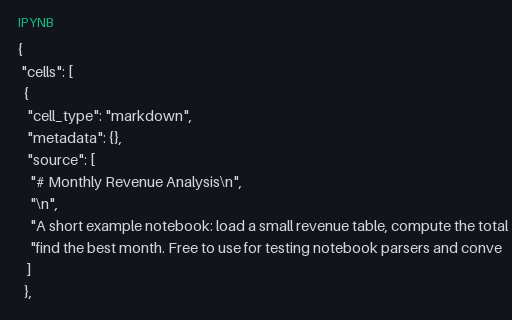
- ipynbJupyter Notebook (IPYNB)A valid Jupyter notebook (nbformat 4.5) with markdown cells, code cells, and real outputs (stdout stream and an execute result), for testing notebook parsers, nbconvert, and JSON tooling.
- jwtSample JWT (HS256)A sample JSON Web Token (JWT) signed with HS256 using a published example secret (verifiable but powerless) for testing JWT decoders and validators. Sample only, never for production. Paired with its decoded claims.
- svgAnimated Spinner (SVG)An animated loading spinner using SMIL (animateTransform): a self-contained animated SVG for testing whether a renderer or converter handles SVG animation, and how it rasterises an animated frame.

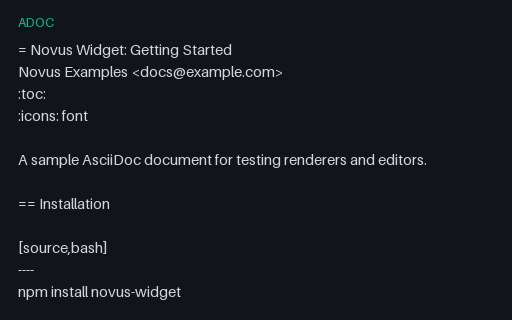
- adocAsciiDoc Guide (ADOC source)An AsciiDoc getting-started guide with source blocks, an admonition, and a table, for testing AsciiDoc renderers (Asciidoctor), editors, and conversion to HTML/PDF.
- assASS Subtitles (Advanced SSA)An Advanced SubStation Alpha (.ass) subtitle with a styles section and three timed Dialogue events (the styled format libass renders) carrying the same captions as the SRT/VTT twins.
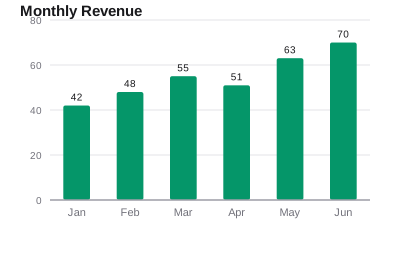
- svgBar Chart (SVG)A bar chart drawn as vector SVG (axis, gridlines, labelled bars), the scalable counterpart to the raster chart images, for testing SVG chart rendering and vector conversion.