HLS Playlist (M3U8)
An HTTP Live Streaming (HLS) media playlist in UTF-8 M3U8 (#EXT-X-VERSION, target duration, four timed .ts segments, and #EXT-X-ENDLIST) for testing HLS parsers and adaptive-streaming players.
#EXTM3U
#EXT-X-VERSION:3
#EXT-X-TARGETDURATION:10
#EXT-X-MEDIA-SEQUENCE:0
#EXT-X-PLAYLIST-TYPE:VOD
#EXTINF:9.009,
segment0.ts
#EXTINF:9.009,
segment1.ts
#EXTINF:9.009,
segment2.ts
#EXTINF:6.500,
segment3.ts
#EXT-X-ENDLIST
Specifications
- Format
- HLS media playlist (M3U8)
- Type
- VOD
- Segments
- 4
- Target Duration
- 10
Testing contract
Expected to pass- Scenario
- Exercise HLS Playlist (M3U8) in its feeds workflow. An HTTP Live Streaming (HLS) media playlist in UTF-8 M3U8 (#EXT-X-VERSION, target duration, four timed .ts segments, and #EXT-X-ENDLIST) for testing HLS parsers and adaptive-streaming players.
- Expected result
- 14 text lines, decoded as UTF-8; first nonempty line is '#EXTM3U'. Declared feature checks: type=VOD; segments=4; targetDuration=10.
What is a .m3u8 file?
M3U8 (.m3u8) is a UTF-8 M3U playlist, most importantly the backbone of HTTP Live Streaming (HLS). An HLS media playlist lists timed media segments with #EXTINF tags and directives like #EXT-X-TARGETDURATION, and a master playlist points to alternate bitrate renditions.
How to use this file
Use an example .m3u8 file to test HLS parsers and players, segment and directive extraction, and adaptive-streaming tooling, or as a plain UTF-8 M3U playlist.
How to use this file for testing
“HLS Playlist (M3U8)” is a deterministic Testaroo fixture for Playlist & feed parsing, Editor testing. RSS, Atom, and JSON Feed syndication, an OPML subscription list, and M3U / HLS M3U8 media playlists, for testing feed readers, podcast apps, and media players.
Documented properties for this file: HLS media playlist (M3U8) · VOD. Compare results against paired or grouped companions on this page when present (clean↔damaged, searchable↔scanned, or format twins) so scores stay reproducible across runs.
Download the file once, keep the path stable in CI or local scripts, and treat the spec table as the contract: dimensions, seeds, field lists, and roles are intentional. Corrupt or invalid samples are labelled as such, expect parsers to fail loudly rather than silently accept them.
Data fixtures document their exact quirks (delimiters, encodings, null handling, schema, and row counts) in the spec table. Point your parser or importer at the file and assert it handles the documented edge cases; clean and deliberately-messy siblings make before/after diffs straightforward.
Code examples
# manifests resolve their own segments, so pass the URL, not a local copy
ffprobe -v error -show_entries stream=codec_name,width,height stream.m3u8
ffplay stream.m3u8
Generated by generation/feeds_extra.py. Free for any use, no attribution required, license.
Related files
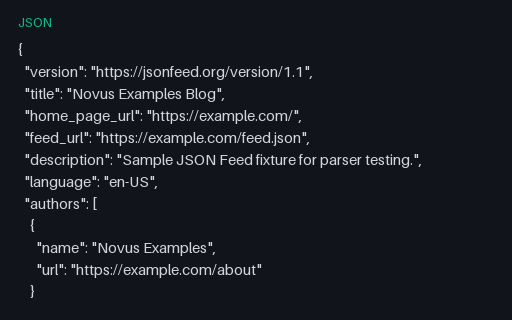
- jsonJSON Feed 1.1A JSON Feed 1.1 document (the JSON alternative to RSS/Atom) with a feed header and three items using content_html, content_text, tags, and publish dates, for testing JSON Feed parsers and readers.
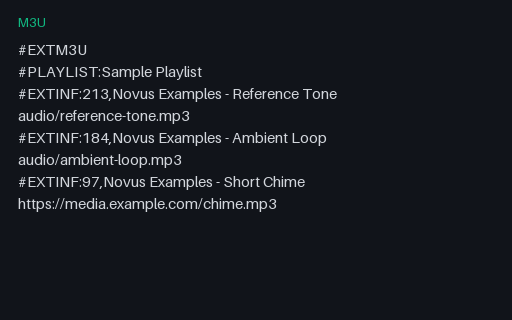
- m3uM3U PlaylistAn extended M3U media playlist with #EXTINF duration and title directives over three track references (local and remote), for testing playlist parsers and media players.
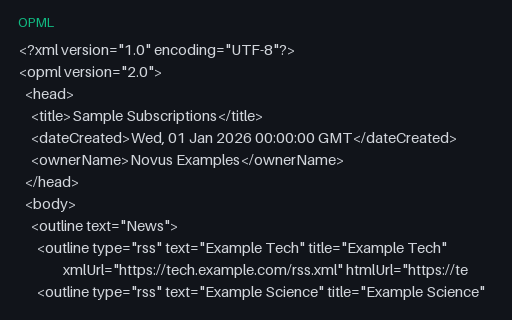
- opmlOPML Subscription ListAn OPML 2.0 subscription list with nested outline groups and three feed entries (title, xmlUrl, htmlUrl): the format RSS readers use to import and export subscriptions, for testing OPML parsers.
- bibBibTeX Bibliography (.bib)A BibTeX bibliography with three real citations (Lovelace, Knuth, Shannon) across article, book, and inproceedings types, for testing BibTeX parsers, reference managers, and citation converters.
- csrCertificate Signing Request (CSR)A PKCS#10 certificate signing request (PEM) with the subject and SAN, self-signed by the RSA key to prove key possession, for testing CSR parsers and certificate-authority intake flows.
- jsonConfig: App Feature Flags (JSON)Tiny SAMPLE JSON config fixture (app-feature-flags) for parser and twin tests.