Invoice Template (DOCX)
A clean invoice template as a Word document with a line-item table and total. Paired with a PDF twin of the same layout.
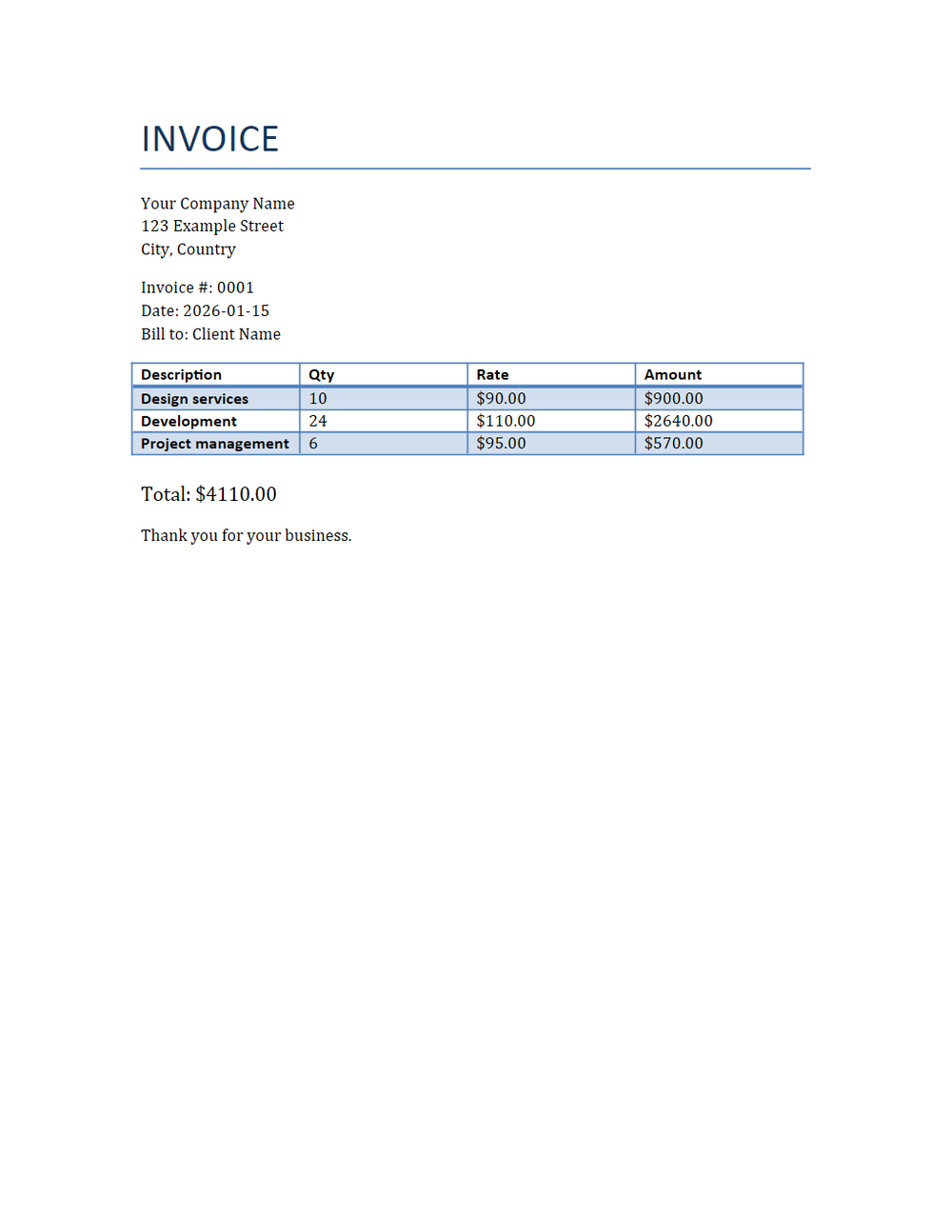
Rendered preview of the docx file (36.1 KB). Download above for the original.
Specifications
- Type
- invoice
- Line Items
- 3
- Twin
Testing contract
Expected to pass- Scenario
- Exercise Invoice Template (DOCX) in its core set workflow. A clean invoice template as a Word document with a line-item table and total.
- Expected result
- ZIP package contains 17 members; document has 21 paragraphs and 1 tables; tracked insertions=0, deletions=0. Declared feature checks: type=invoice; lineItems=3; twin=PDF.
What is a .docx file?
DOCX is the default Microsoft Word format, an Office Open XML document packaged as a ZIP archive of XML parts, media, and relationships. It stores structured text, styles, tables, images, and metadata. It is the dominant format for editable word-processing documents.
How to use this file
Use an example DOCX to test Office Open XML parsing, text and style extraction, ZIP-package handling, and converters that render or transform Word documents.
How to use this file for testing
“Invoice Template (DOCX)” is a deterministic Testaroo fixture for Templates, Conversion testing. Professional, neutral starting-point documents you can download and adapt, invoices, resumes, budgets, and more.
Documented properties for this file: 3 lineItems · invoice. Compare results against paired or grouped companions on this page when present (clean↔damaged, searchable↔scanned, or format twins) so scores stay reproducible across runs.
Download the file once, keep the path stable in CI or local scripts, and treat the spec table as the contract: dimensions, seeds, field lists, and roles are intentional. Corrupt or invalid samples are labelled as such, expect parsers to fail loudly rather than silently accept them.
This template ships filled with realistic sample content and documented fields and formulas. Download it as a starting point, or point a converter/parser at it, format twins (for example DOCX↔PDF) let you diff conversion fidelity.
Code examples
from docx import Document  # pip install python-docx

doc = Document("invoice.docx")
for p in doc.paragraphs[:10]:
    print(p.text)
Generated by generation/templates_core.py. Free for any use, no attribution required, license.
Related files
- odsBudget Template (ODS, with formulas)A budget template as OpenDocument Spreadsheet, budget-versus-actual rows with live SUM formulas for the totals. A usable planning template and a fixture for testing ODS formula parsing and recalculation.
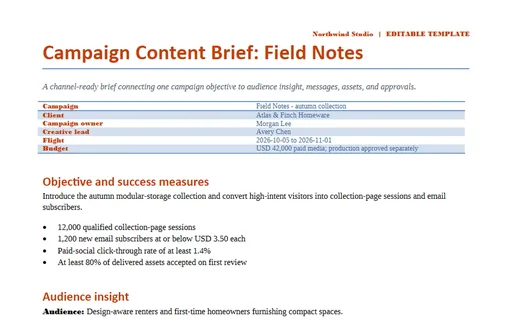
- docxCampaign Content Brief: Field Notes (DOCX)A channel-ready brief connecting one campaign objective to audience insight, messages, assets, and approvals. This editable Word edition carries the complete shared family model with styled sections and print-safe tables.
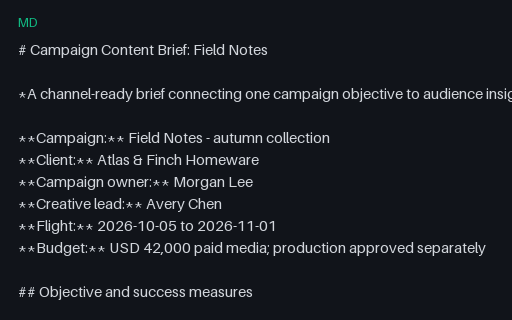
- mdCampaign Content Brief: Field Notes (Markdown)A channel-ready brief connecting one campaign objective to audience insight, messages, assets, and approvals. This UTF-8 Markdown twin preserves the same headings, lists, checkboxes, and GFM tables in portable plain text.
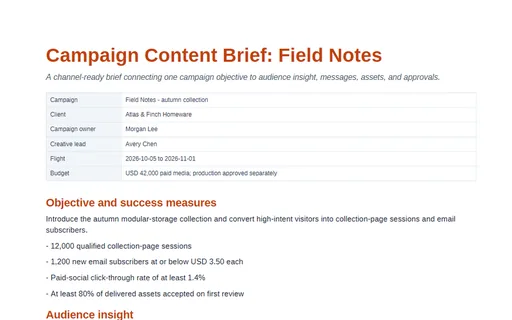
- pdfCampaign Content Brief: Field Notes (PDF)A channel-ready brief connecting one campaign objective to audience insight, messages, assets, and approvals. This print-ready PDF twin is designed for page-rendering, extraction, and cross-format comparison tests.
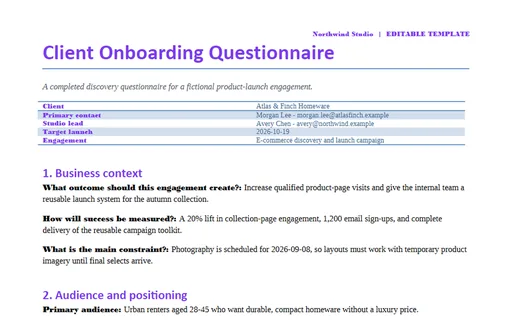
- docxClient Onboarding Questionnaire (DOCX)A completed discovery questionnaire for a fictional product-launch engagement. This editable Word edition carries the complete shared family model with styled sections and print-safe tables.
- mdClient Onboarding Questionnaire (Markdown)A completed discovery questionnaire for a fictional product-launch engagement. This UTF-8 Markdown twin preserves the same headings, lists, checkboxes, and GFM tables in portable plain text.